![paiger-logo-white (1).png]](https://help.paiger.co/hs-fs/hubfs/paiger-logo-white%20(1).png?height=40&name=paiger-logo-white%20(1).png)
Once you have completed the integration steps, we recommend that you log in to Bullhorn as a member of your recruitment team who has been granted access to the new Paiger tabs.
Once in the Bullhorn review the candidate, company, contact and job entities and confirm you can see the below tabs.
Candidate
- Check the Post (Paiger) tab is available.
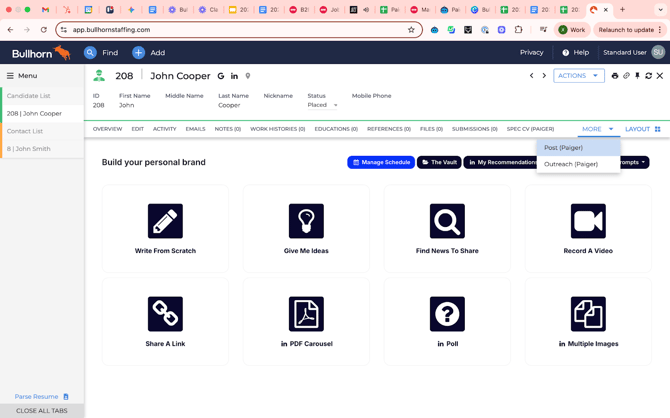
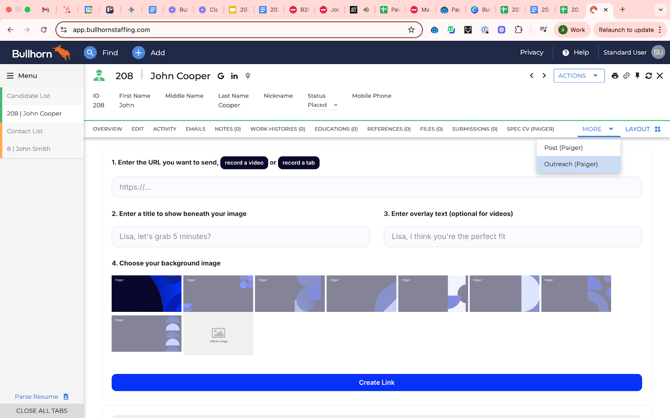
- Check the Outreach (Paiger) tab is available.
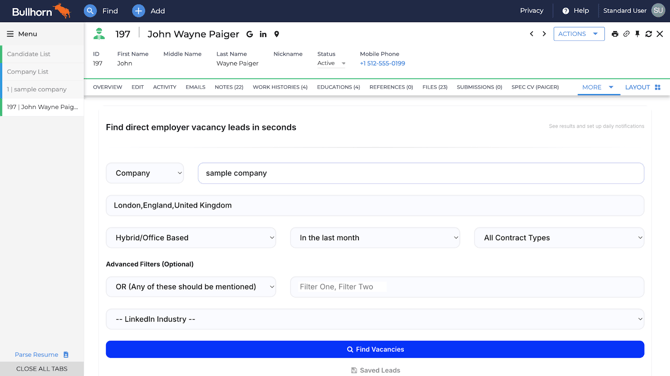
- Check the Vacancies (Paiger) tab is available.
Company
- Check the Research (Paiger) tab is available.
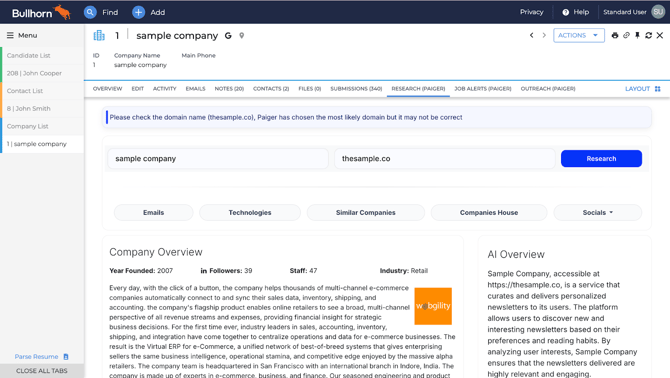
- Check the Vacancies (Paiger) tab is available.
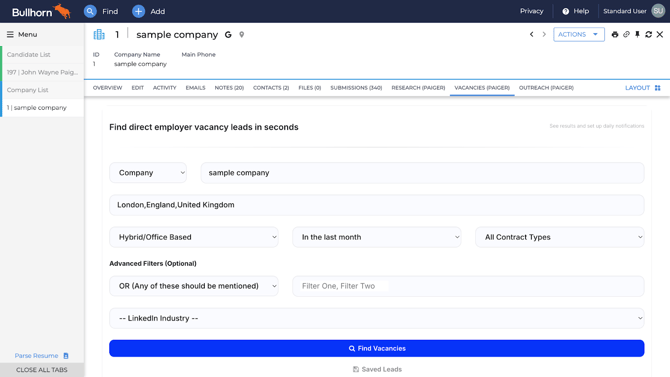
- Check the Outreach (Paiger) tab is available.
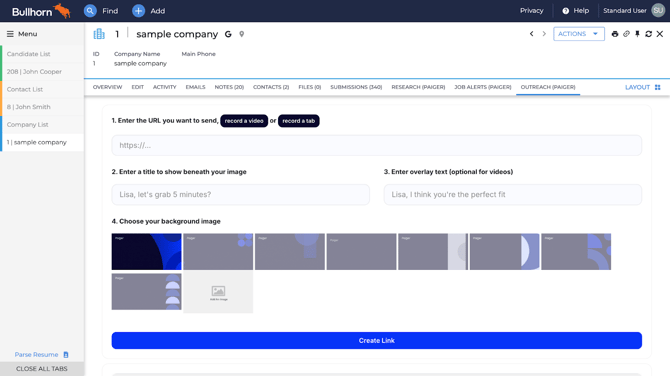
Contact
On the Contacts entity, check that the Outreach (Paiger) tab is available.
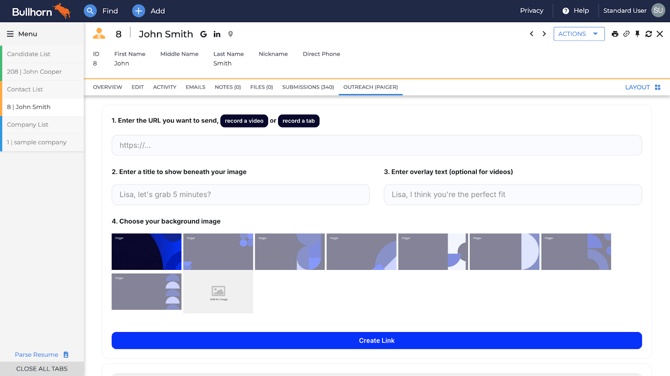
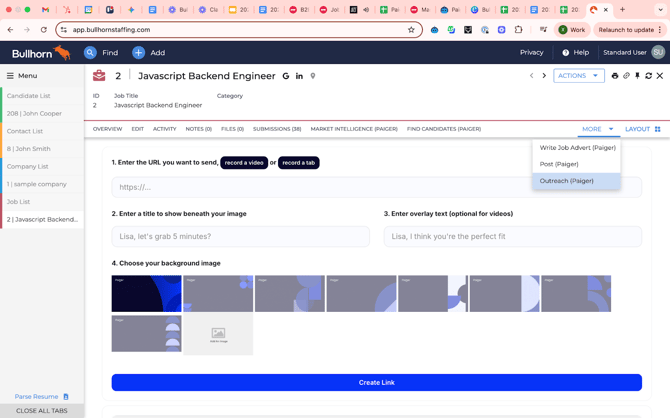
Job
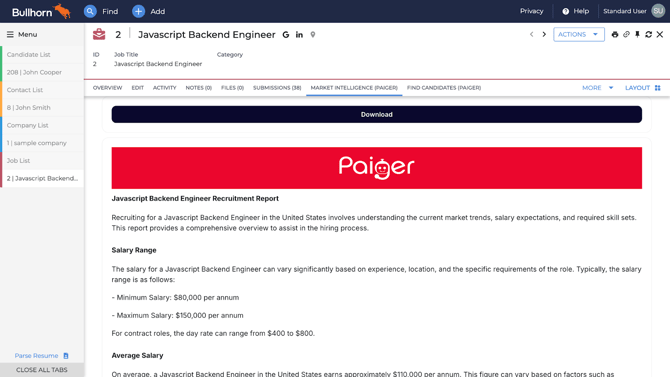
- Check the Market Intelligence (Paiger) tab is available.
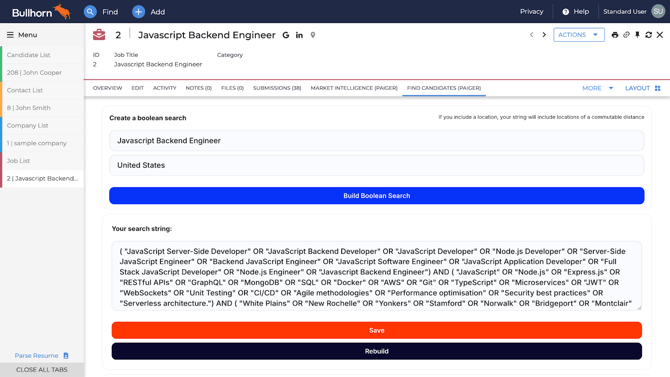
- Check the Find Candidates (Paiger) tab is available.
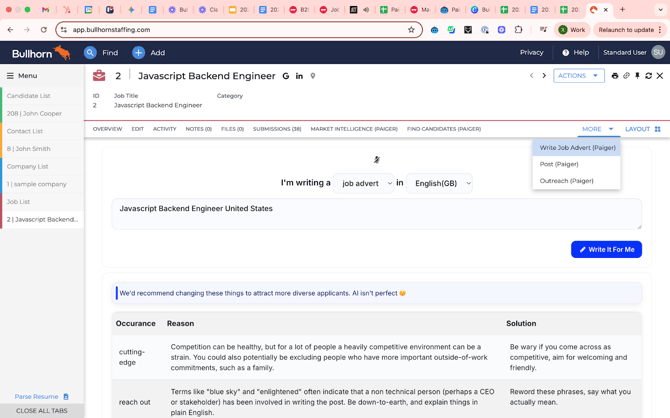
- Check the Write Job Advert (Paiger) tab.
- Check the Write Post (Paiger) tab.
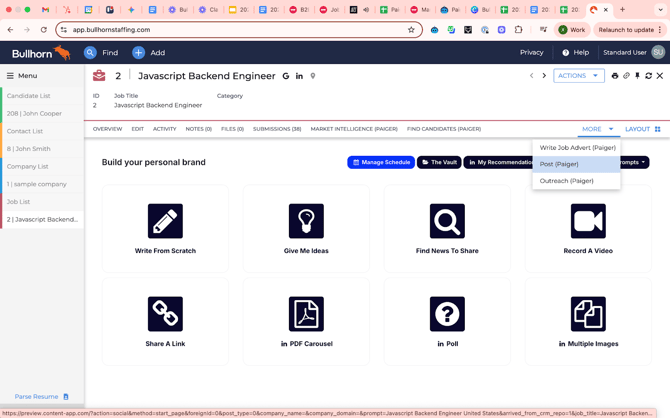
- Check the Write (Paiger) tab.